Install the External Secrets Operator (ESO) and configure it to sync secrets from OpenBao KV engine to Kubernetes Secrets.
Prerequisites checklist
Confirm these before running steps:
- OpenBao deployed and unsealed with KV v2 secrets engine
- OpenBao Kubernetes auth method configured (or AppRole/Token)
1Install the External Secrets Operator
This can either be done via the Operator (recommended on OpenShift) or via the Helm Chart.
Operator (OpenShift OperatorHub):
- Install External Secrets Operator for Red Hat OpenShift from OperatorHub
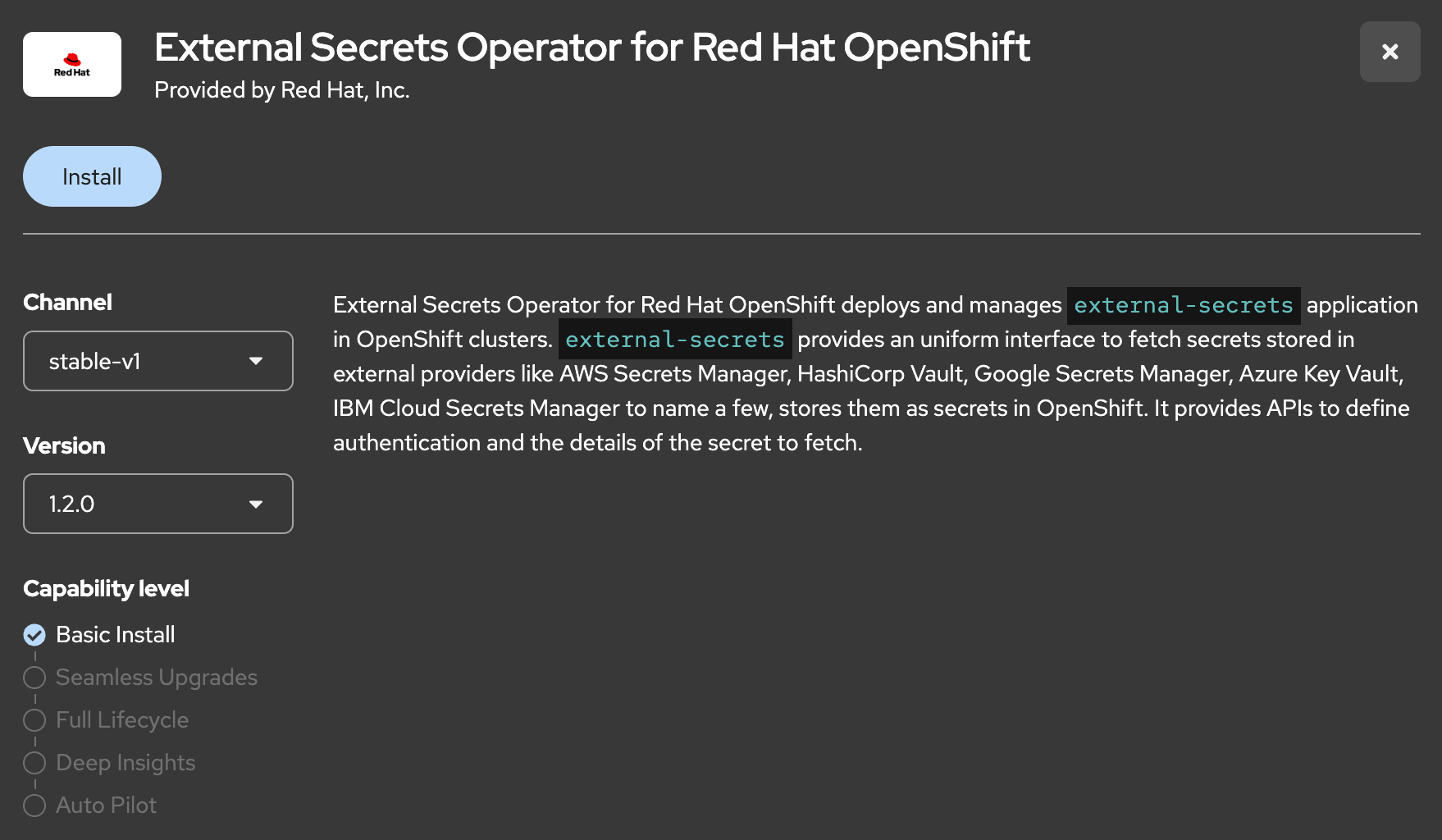
Helm Chart (upstream; deploys controllers immediately — no ExternalSecretsConfig):
helm repo add external-secrets https://charts.external-secrets.iohelm install external-secrets external-secrets/external-secrets -n external-secrets --create-namespace2Create the lab namespace
oc new-project myappoc create serviceaccount myapp-sa -n myapp3Ensure OpenBao Kubernetes auth role and sample KV data exist
The SecretStore uses role
myapp with SA myapp-sa in namespace `myapp` (not myapp-ns from TC-OPENBAO-AUTH-001).bao write auth/kubernetes/role/myapp \
bound_service_account_names=myapp-sa \
bound_service_account_namespaces=myapp \
policies=myapp ttl=1h
bao kv put secret/myapp/config db_host=pg.example.com db_password=s3cret
bao kv put secret/myapp/api key=api-key-123bao kv metadata get secret/myapp/config # note current_versionbao kv put -cas=<current_version> secret/myapp/config db_host=pg.example.com db_password=s3cret4Export the base64 CA
To trust the (self-signed) certificate, export the CA and use the base64 string in the next step.
oc get secret openbao-ca-secret -n openbao -o jsonpath='{.data.ca\.crt}{"\n"}'5Create a SecretStore pointing to OpenBao
SecretStore represents a secure external location for storing secrets. In our case this is the OpenBao cluster (reachable via https).
Apply from the Commands / YAML tab.
6Verify the SecretStore is healthy
oc get secretstore openbao-backend -n myapp7Create an ExternalSecret CR that syncs from OpenBao
This is the most important part.
It will define which Kubernetes secret it will create and which data it will sync from OpenBao.
Apply from the Commands / YAML tab.
8Verify the Kubernetes Secret was created
oc get secret myapp-secrets -n myapp -o jsonpath='{.data}' | jq .→ Expect
db_host, db_password, and api_key keys.9Update a secret in OpenBao and verify refresh
bao kv put --cas=<latest version> secret/myapp/config db_host=pg.example.com db_password=newP@ssw0rdForce an immediate sync of the ExternalSecret, so we do not need to wait TTL:
oc annotate externalsecret myapp-secrets -n myapp force-sync=$(date +%s) --overwriteWait for refreshInterval to trigger sync (or annotate to force)
oc get secret myapp-secrets -n myapp -o jsonpath='{.data.db_password}' | base64 -d→ Will now return the updated password
10Cleanup
oc delete project myapp --wait=true