Install the Secrets Store CSI Driver with the OpenBao provider to mount secrets directly as files in pod volumes. Follows the OpenBao CSI provider guide.
Prerequisites checklist
Confirm these before running steps:
- OpenBao deployed and unsealed with secrets
- Secrets Store CSI Driver installed on the cluster
- OpenBao CSI provider DaemonSet deployed
- OpenBao Kubernetes auth method configured
1Install the Secrets Store CSI Driver
This can either be done via the Operator (recommended on OpenShift) or via the Helm Chart
Operator (OpenShift OperatorHub):
- Install Secrets Store CSI Driver for Red Hat OpenShift from OperatorHub
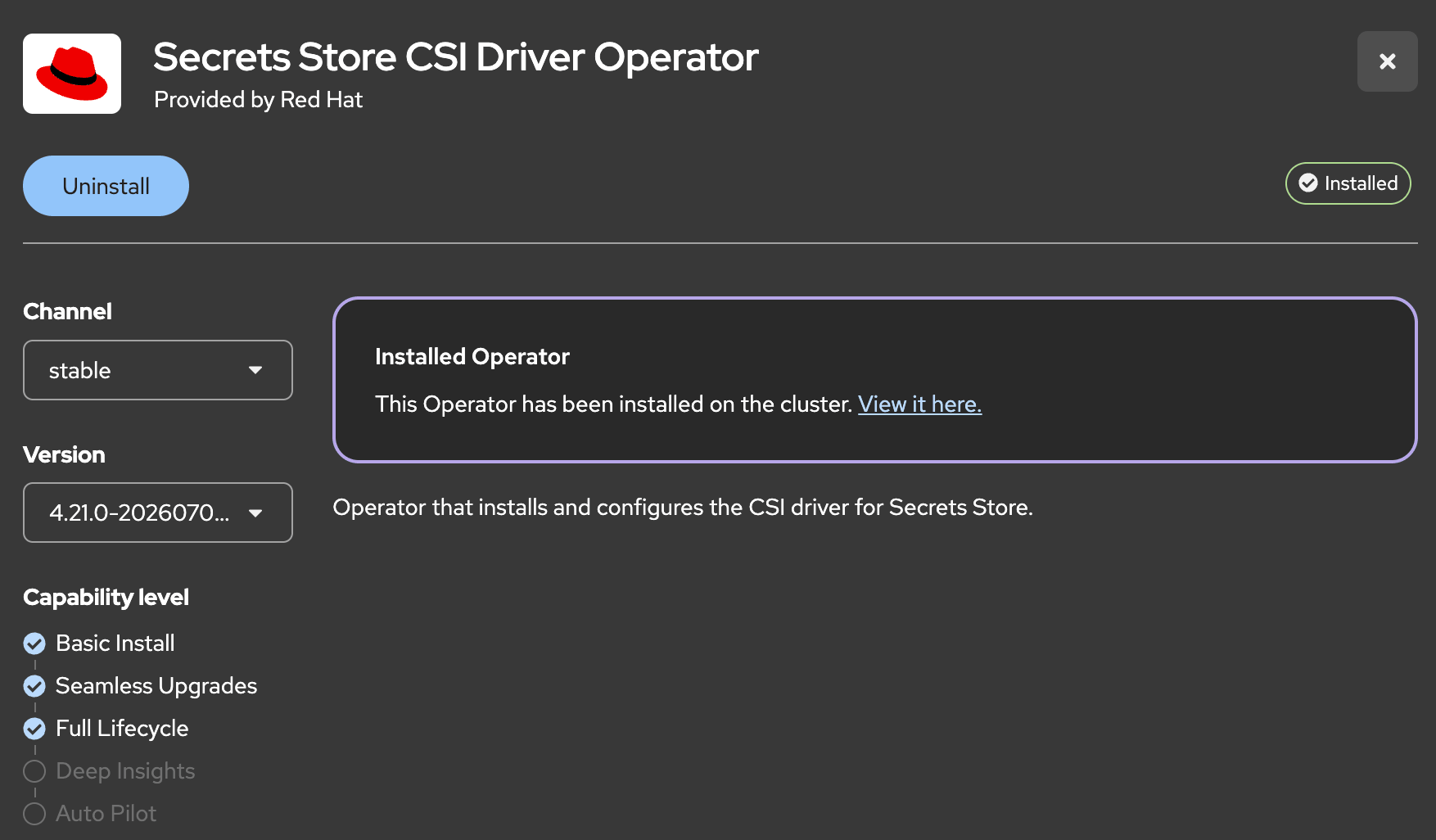
Helm Chart:
helm repo add secrets-store-csi-driver https://kubernetes-sigs.github.io/secrets-store-csi-driver/chartshelm install csi-secrets-store secrets-store-csi-driver/secrets-store-csi-driver -n kube-system2Create the `ClusterCSIDriver`:
  apiVersion: operator.openshift.io/v1
  kind: ClusterCSIDriver
  metadata:
    name: secrets-store.csi.k8s.io
  spec:
managementState: Managed3Grant the SA privileged SCC:
The CSI provider uses
hostPath and fails under restricted-v2 until the SA is granted privilegedoc adm policy add-scc-to-user privileged -z openbao-csi-provider -n openbao4Deploy the OpenBao CSI provider
Follow Installing the OpenBao CSI provider (Helm chart 0.18.0+).
This lab already has OpenBao in namespace
openbao installed.Let's upgrade and enable CSI on the existing release instead:
Apply the helm command from the Commands / YAML tab
→
oc get ds -n openbao openbao-csi-provider — Desired/Ready should match node count5Create a SecretProviderClass for the application
The next step is to create a SecretProviderClass (in the namespace myapp) that will be used to mount the secrets into the pod.
Apply from the Commands / YAML tab
6Deploy a pod that mounts the CSI volume
Apply from the Commands / YAML tab
7Verify secrets are mounted as files
oc exec -it myapp-pod -n myapp -- cat /mnt/secrets/db_passwordoc exec -it myapp-pod -n myapp -- ls -la /mnt/secrets/8Clean up
oc delete pod myapp-pod -n myappoc delete secretproviderclass openbao-secrets -n myapp