Integrate OpenBao PKI engine with Kubernetes cert-manager to automatically issue and rotate TLS certificates for services. Uses the cert-manager Vault issuer to request certificates from OpenBao and mount them as Kubernetes TLS secrets.
Prerequisites checklist
Confirm these before running steps:
- TC-OPENBAO-OCP-001Enable TLS end-to-end on OpenBao (OpenShift)
- TC-OPENBAO-PKI-001Configure PKI Engine as Internal CA
- cert-manager operator installed on the cluster
1Create a policy in OpenBao for cert-manager
bao policy write cert-manager - <<'EOF'
path "pki_int/sign/example-dot-com" {
  capabilities = ["create", "update"]
}
path "pki_int/issue/example-dot-com" {
  capabilities = ["create"]
}
EOF
→ Success! Uploaded policy: cert-manager
2Create a Kubernetes auth role for cert-manager
Allows the cert-manager ServiceAccount to log in to OpenBao and receive the cert-manager policy.
bao write auth/kubernetes/role/cert-manager bound_service_account_names=cert-manager bound_service_account_namespaces=cert-manager policies=cert-manager ttl=1h→ Success! Data written to: auth/kubernetes/role/cert-manager
3Create a Vault Issuer (ClusterIssuer) in cert-manager
Export the OpenBao CA as base64 PEM (from TC-OPENBAO-OCP-001):
oc get secret openbao-ca-secret -n openbao -o jsonpath='{.data.ca\.crt}{"\n"}'Paste into
caBundle in the Commands / YAML tab; use server: https://openbao.openbao.svc:8200 (not http://).see Commands / YAML tab
→ Success! Issuer created: openbao-issuer
4Verify the issuer is ready
oc get clusterissuer openbao-issuer -o jsonpath='{.status.conditions[0].type}'5Create a new test namespace
oc new-project myapp6Create a Certificate CR requesting a cert from OpenBao
see Commands / YAML tab
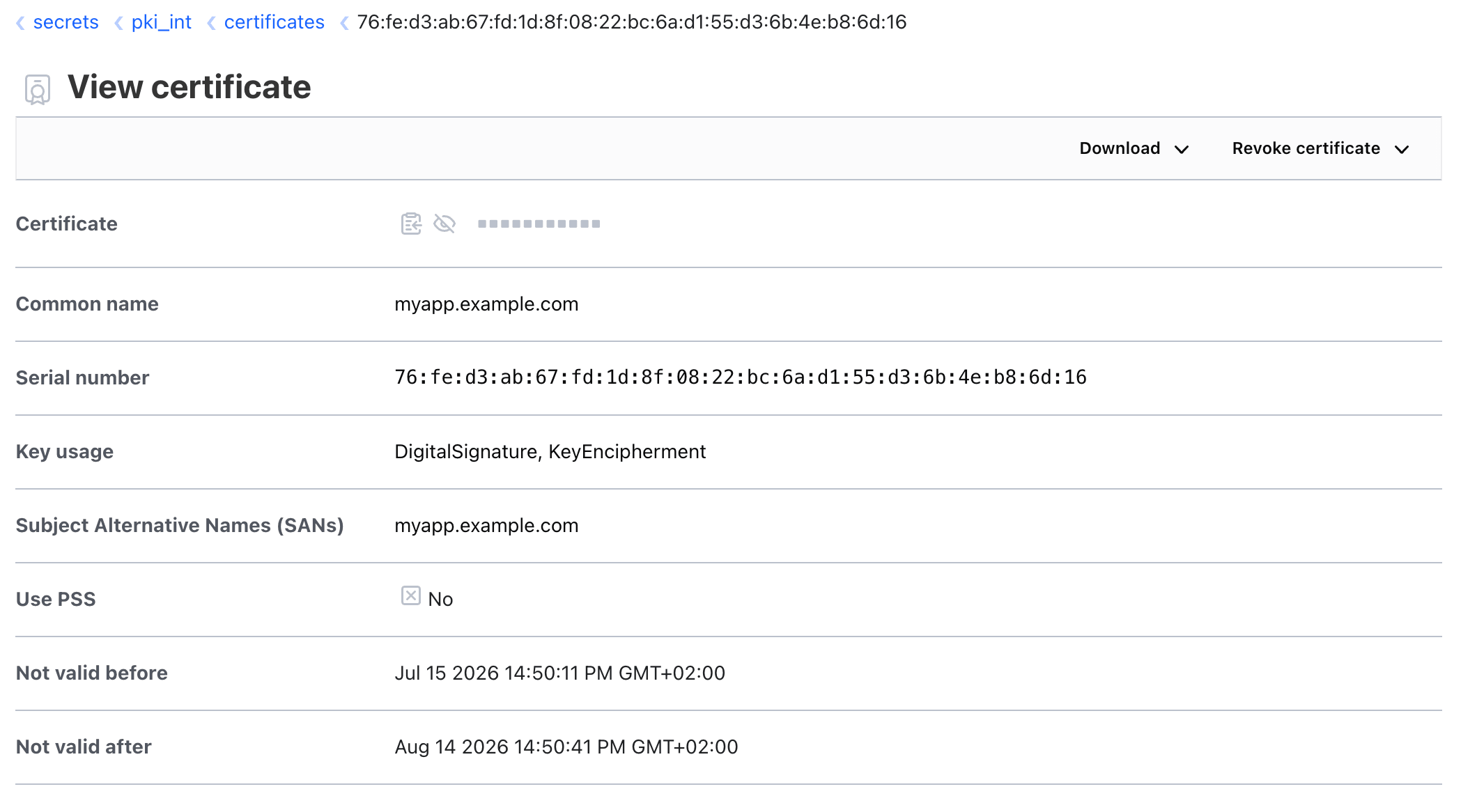
We will create a certificate for myapp.example.com
7Verify the certificate is issued
Wait a few moments before checking
oc get certificate app-tls -n myapp -o wideoc get secret app-tls -n myapp→ Success! Certificate created: app-tls and its status is Ready
8Check certificate details
oc get secret app-tls -n myapp -o jsonpath='{.data.tls\.crt}' | base64 -dDecode with openssl
oc get secret app-tls -n myapp -o jsonpath='{.data.tls\.crt}' | base64 -d | openssl x509 -text -noout→ Must return the certificate with Issuer: CN=example.com and Subject: CN=myapp.example.com
9Verify via UI
Open the OpenBao UI and verify the certificate is issued.