Import an external root CA certificate into OpenBao and create an OpenBao-managed intermediate CA that is cross-signed by the external CA. This enables OpenBao to issue certificates trusted by existing PKI infrastructure.
Prerequisites checklist
Confirm these before running steps:
- TC-OPENBAO-PKI-001Configure PKI Engine as Internal CA
- openssl installed on your workstation
- An external root CA cert + key (lab: generate below; production: from your existing PKI team/HSM)
1Lab — create an external root CA (simulates PKI outside OpenBao)
Skip if you already have
external-root-ca.crt and external-root-ca.key from your organisation.see Commands / YAML tab (first block:
openssl genrsa + openssl req -x509 → external-root-ca.crt / .key)2Enable a new PKI mount for the cross-signed intermediate
bao secrets enable -path=pki_cross pkibao secrets tune -max-lease-ttl=43800h pki_cross→ Success! Secrets engine enabled and tuned at: pki_cross
3Generate an intermediate CSR in OpenBao
bao write -format=json pki_cross/intermediate/generate/internal common_name='Cross-Signed Intermediate CA' | jq -r '.data.csr' > cross-intermediate.csr4Create a configuration (intermediate-ext.cnf) file for the external CA
see Commands / YAML tab
5Sign the CSR with the external CA (outside OpenBao)
Uses
external-root-ca.crt + external-root-ca.key — the root that owns trust in your existing infrastructure.macOS: system OpenSSL is LibreSSL — if you see "authorityKeyIdentifier” errors, use the extfile for macOS from the Commands / YAML tab
keyid,issuer not keyid:always,issuerOPTIONAL: brew install openssl@3 and use /opt/homebrew/opt/openssl@3/bin/openssl.
see Commands / YAML tab
6Verify the signed intermediate is a CA before import
openssl x509 -in cross-intermediate.crt -noout -text | grep -A1 'Basic Constraints'→ must show CA:TRUE
7Import the signed intermediate certificate into OpenBao
bao write pki_cross/intermediate/set-signed certificate=@cross-intermediate.crt8Create a role for issuing certificates
bao write pki_cross/roles/cross-signed allowed_domains=example.com allow_subdomains=true max_ttl=720h9Issue a test certificate and verify the chain
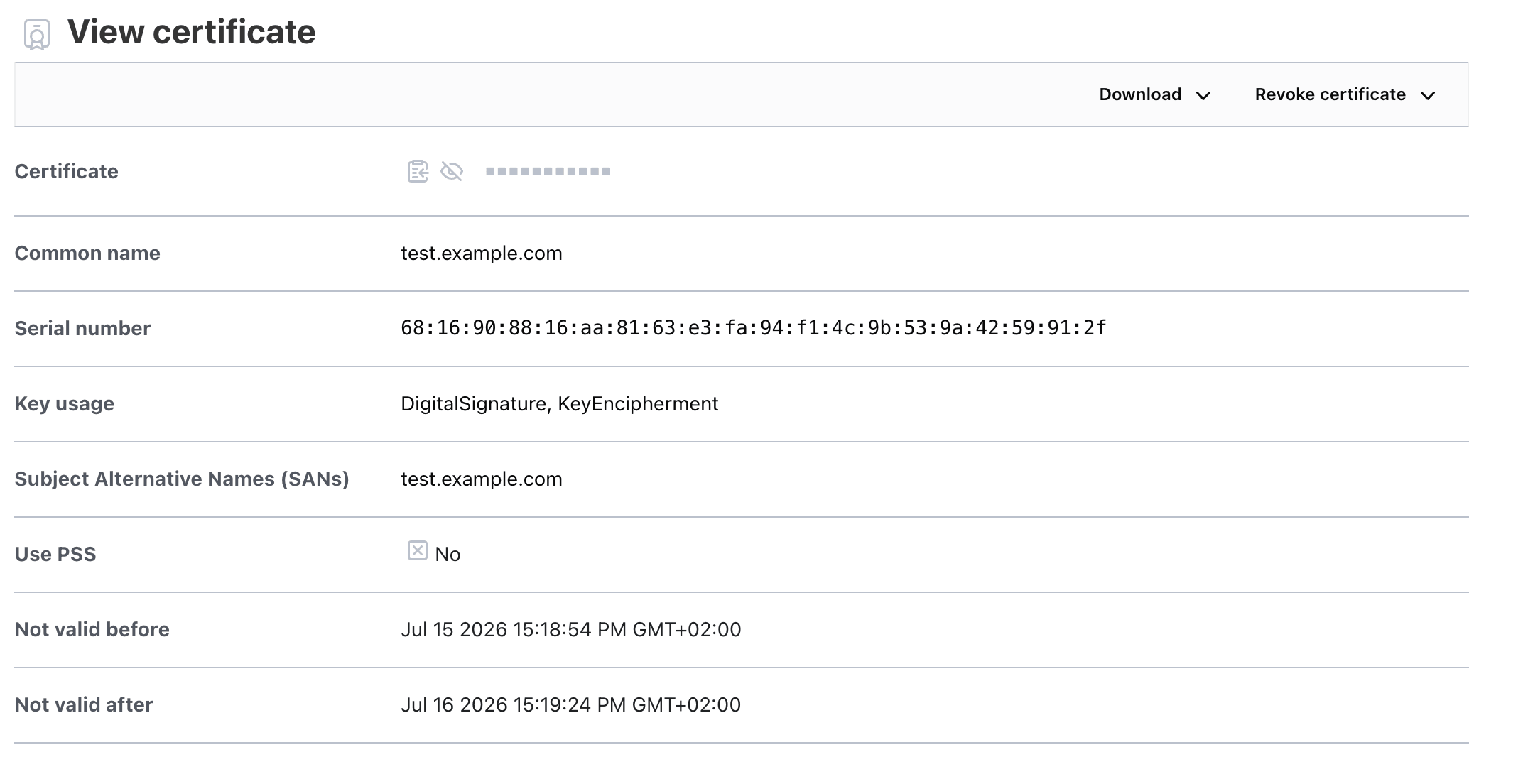
bao write -format=json pki_cross/issue/cross-signed common_name=test.example.com ttl=24h | jq -r '.data.certificate' > test.crtopenssl verify -CAfile external-root-ca.crt -untrusted cross-intermediate.crt test.crt→ must show OK
10Verify via UI
Open the OpenBao UI and verify the certificate is issued.